
Overview
Follow this article to learn how to create TikTok Insights reports using the Profile attributes audience creation method. This workflow allows users to define audiences using combinations of demographic, geographic, behavioral, and profile-level characteristics rather than uploading a predefined audience list.
The Profile attributes method is useful when you can describe the audience you want to analyze but do not already have a list of TikTok users available.
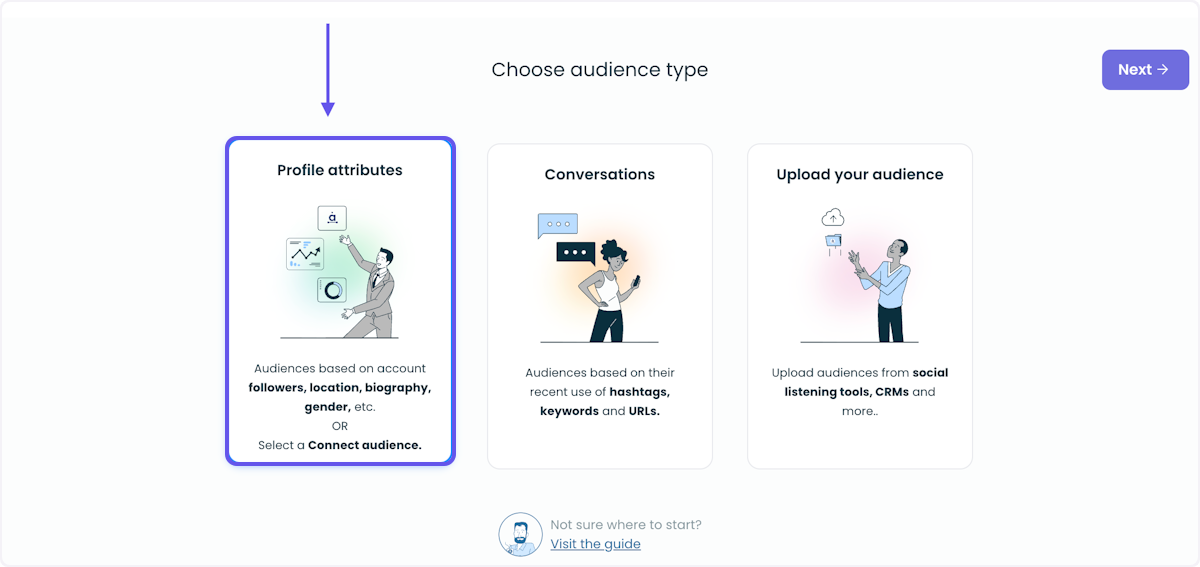
Available Audience Attributes
TikTok Insights supports several audience attributes that can be combined together to create targeted audiences.
Age Filters:
Age filters allow audiences to be defined using age ranges. This helps narrow audiences based on demographic age group characteristics.
Country Filters:
Country filters allow users to define audiences based on geographic location. Multiple countries can be included or excluded as part of the audience definition.
Gender Filters:
Gender filters allow audience selection using inferred gender signals associated with TikTok profiles.
Interest Filters:
Interest filters use the Audiense interest taxonomy to identify audiences associated with specific interests or categories. These filters help surface users connected to particular topics, industries, hobbies, or audience behaviors.
Biography Keyword Filters:
Biography filters allow users to define audiences using keywords appearing within TikTok profile bios. This can help identify users associated with specific terms, interests, communities, or self-described characteristics.
Include and Exclude Logic
Each attribute supports both include and exclude logic to help refine audience definitions.
-
Includes Any: The Includes any option adds users matching at least one selected value to the audience.
-
Exclude All: The Exclude all option removes users matching any selected value from the audience.
For example, an audience could include users located in Spain while excluding users located in Colombia within the same Country filter configuration.
Combining Attributes With AND / OR Logic
Multiple audience attributes can be combined together using AND and OR logic.
-
AND logic requires users to match all selected conditions within a group.
-
OR logic broadens the audience by allowing users to match one of multiple audience groups.
Combining attribute filters with AND/OR logic provides more granular control over which TikTok users qualify for the audience.